
Approve a construction-system toy photo only when its connection mechanism, exact variant, included pieces, sales unit, packaging and instructions match the documented item. For construction toy order version control, bind that check to one catalog item and one image revision—not a family of similar sets. Use the worksheet below to separate catalog targets from visible observations, mark uncertain attributes unknown, and record an approve, hold or reject decision before the image enters an assortment sheet or quotation.
A polished assembled model is not enough. The buyer must be able to distinguish the sellable set from adjacent variants and tell which pictured components, accessories and packaging are actually included.
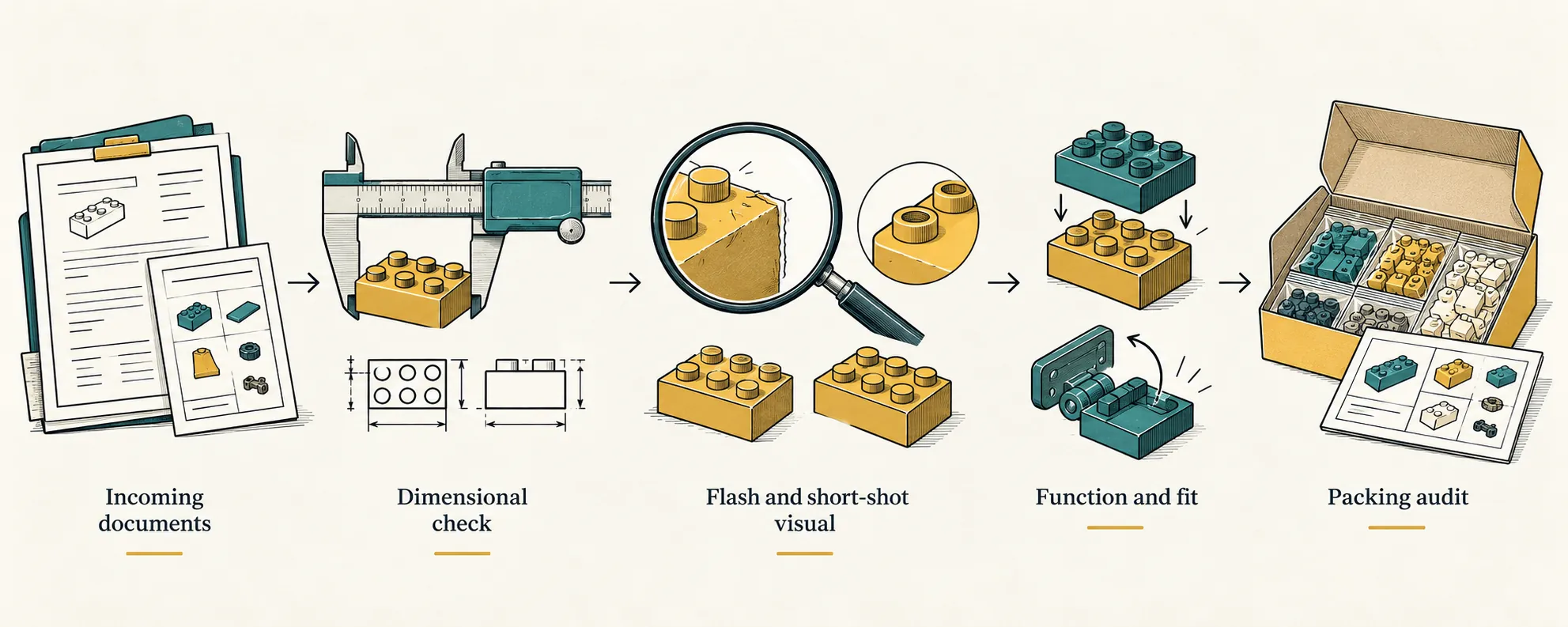
Which construction mechanism and variant does the photo represent?
Identify the joining mechanism before assigning the assortment category; theme, age positioning and piece count do not establish how a construction toy connects.
Use the five assortment categories separately: Brick Building Sets, Magnetic Building Toys, Large Building Blocks, Marble Run Building Sets and Creative Construction Toys. Magnetic track systems belong under Magnetic Building Toys; non-magnetic buildable tracks belong under Marble Run Building Sets. Keep theme, intended age and piece system in separate fields. Do not infer compatibility with another system from a familiar-looking connector.
Check connector close-ups before decorative details. Then compare variant-defining colors, printed elements, track layouts, included figures, vehicles and accessories. Inspect in the order most likely to distinguish neighboring variants, without treating lower-priority differences as acceptable drift.
Edited images can change SKU-defining details even while improving presentation. The useful test is whether the image still depicts the exact sellable item—not whether it looks cleaner. Protect SKU Identity
Construction-system photo-identity worksheet
| Record identity and revision | Enter the catalog item identifier, exact variant, worksheet revision, target specification revision, original asset filename, candidate asset filename and candidate revision. Record how the original image was associated with the item or reference sample. |
|---|---|
| Connection mechanism and category | Target: the documented joining system and assortment category. Observe connector shape, mating surfaces and relevant close-ups. Where magnetic joining is claimed, retain supporting product or sample evidence; a smooth joint alone does not establish magnetism. |
| Variant-defining appearance | Target: specified color distribution, molded shapes, prints, markings and included accessories. Observe each distinguishing detail separately. A general description such as multicolor is not enough to separate near-identical variants. |
| Piece inventory | Target: the itemized parts list and stated total for the selected variant. Compare a counted parts layout or sample inventory with the candidate image. Distinguish loose pieces from subassemblies and identify the counting convention. A box-front piece count is a declared total, not an observed inventory. |
| Sales unit | Target: exactly what one quoted unit includes. Identify whether the image shows one complete set, several alternative builds or multiple sets together. Record whether figures, balls, vehicles, tools and display accessories are included. |
| Packaging | Target: the selected retail-pack format and artwork revision. Compare box front, back, item marking, contents statement and packaging inserts. Keep retail packaging, shipping parcels and master cartons as separate records. |
| Instructions and build representation | Target: the instruction revision, language and models represented as buildable. Check legible steps, identifiable parts and correspondence with the parts list. Record whether pictured alternative models can be built simultaneously or require rebuilding the same pieces. Use an assembly check to assess usability; a cover photo cannot establish instruction quality. |
| Material description | Target: the documented material description and the component it covers. Preserve visible surfaces and finishes during editing, but do not treat appearance as proof of composition or extend a component-level material description to the whole set. |
| Approval evidence | Attach the original and candidate assets, completed grid, applicable parts list, packaging and instruction revisions, and any reference-sample identification. Keep each attachment identifiable so the reviewer can reconstruct the comparison. |
How do two track-set records change the photo check?
| 60-piece dinosaur marble-run set | Recorded target: a dinosaur-themed DIY marble-run building set, with 60 pieces stated in its name, material recorded as plastic and color-box packing. Photo check: distinguish structural blocks, track sections and included accessories; establish the actual joining mechanism. Assign Marble Run Building Sets when non-magnetic buildable track construction is established. |
|---|---|
| 188-piece magnetic pipe-track set | Recorded target: a magnetic building set with marble-run track and plastic pipes, with 188 pieces stated in its name, material recorded as plastic and color-box packing. Category target: Magnetic Building Toys. Require evidence supporting the magnetic connection description, plus a parts layout that distinguishes pipes, connectors and other included components. |
| Why shared fields do not establish identity | Plastic and color-box packing occur in both records, so neither field distinguishes the sets. The connection mechanism, declared count, component inventory and variant-specific packaging must do that work. |
| Worked review boundary | If a candidate matches the assembled track silhouette but hides the relevant connectors and does not establish the included inventory, mark those attributes unclear and hold photo-identity approval. If an edit visibly removes a documented included component, mark it changed and reject that candidate revision unless a separately authorized product change establishes a new target. |
How should an edit request protect the toy's identity?
Request one bounded edit at a time and name the product details that must remain unchanged.
For example: “Replace the background with light gray. Preserve connector geometry, component count, color distribution, printed markings, included accessories, packaging text, camera angle and contact shadows. Do not add pieces or complete hidden structures.” This is an editing instruction, not permission to alter the depicted contents.
Use the preservation clause as a review checklist, not a guarantee. Recheck the candidate against the untouched source after the edit, including details outside the requested change. The source workflow makes the same distinction between requested changes and protected content. Protect SKU Identity
When should the reviewer approve, hold or reject?
| Approve | Use when the mechanism, variant, inventory, sales unit and other identity-critical attributes are resolved and match the authorized target. State the approved use, such as an assortment sheet or quotation, and identify the exact image revision. Photo approval is not product-safety or purchasing approval. |
|---|---|
| Hold | Use when a connector is obscured, the included contents are ambiguous, packaging revisions conflict or another necessary attribute is unclear. Name the specific evidence or correction required. A hold on one attribute does not invalidate other established matches. |
| Reject | Use when the candidate shows a different variant, invented components, removed included pieces or another unauthorized identity change. Record the affected attribute and the replacement or correction requested. Reject the asset revision, not the supplier's general capability. |
| Decision owner and date | Record the responsible approver's name and role, decision date, catalog item, target specification revision, candidate-image revision and worksheet revision. |
| Conditions and follow-up closure | For each condition, record the action, responsible owner, due date, replacement evidence or asset revision, closure date and person accepting closure. Keep the previous decision in the history. Do not label an identity-critical unresolved item approved merely because a follow-up has been assigned. |
What stays outside photo-identity approval?
Photo-identity approval establishes which item an image represents; it does not establish current commercial terms, intended-age suitability or destination-market compliance.
Request the current sample and quote against the same item and revision. Keep MOQ separate from pieces per set, and request master-carton measurements separately from retail-box or parcel measurements. A piece count does not imply MOQ, and parcel dimensions do not establish master-carton dimensions.
Treat supplier-declared certifications as declarations, not verified compliance. Route intended-age evidence and destination-market documents through the appropriate product review, checking that they identify the relevant construction and variant. Carry commercial and document questions in a separate action log with an owner and next action; do not silently convert them into photo observations.